Supporting Early Risk Detection with SAP EarlyWatch Alert
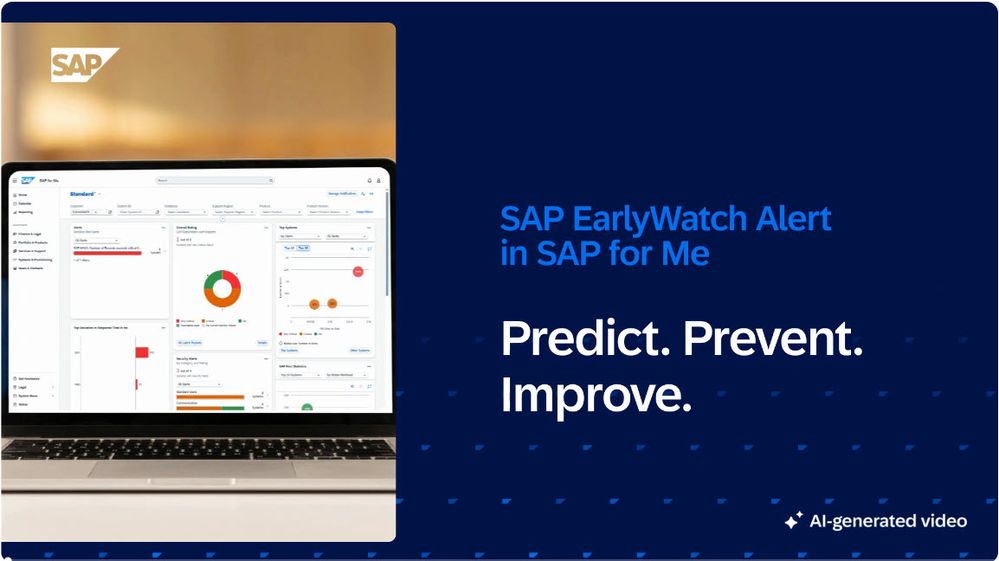
Preventing system issues and anticipating potential risks are key goals when operating SAP landscapes—on‑premise, cloud, and hybrid—today. With the refined Diagnostics tab in SAP for Me (Services & Support Dashboard), SAP provides a clearer and more focused entry point into SAP EarlyWatch Alert–based system insights.
The current experience represents an important first step: simplifying access to system health information while establishing a foundation for future enhancements that further support early risk identification and forward‑looking system management.

A Refined Entry Point — Not a New One
The Diagnostics tab itself is not new; what has changed is its focus, structure, and clarity.
The former Diagnostics, Alerts and Analysis tab has been streamlined and renamed to Diagnostics putting greater emphasis on clear system health visibility and actionable SAP EarlyWatch Alert insights. It offers:
- Dedicated system health visibility Integration card
- Quick access to main capabilities (Solution Finder, Reports, Dashboard, Status) and forecast applications
- One-click subscription for notifications.
This refinement marks an initial milestone in an ongoing journey—supporting customers in moving beyond reactive analysis toward a more preventive and forward‑looking approach, enabled by SAP EarlyWatch Alert insights.
System Health as the Starting Point
When opening the refined Diagnostics tab, customers are presented with a clean and consolidated overview highlights the number of systems per status category in his landscape.
The System Health Status is displayed
- as a pie chart, and
- as a numerical summary
Systems are categorized into:
- Very Critical – systems with a critical overall status (based on decisive red findings)
- Critical – systems with relevant issues reflected in their overall status
- OK – systems without critical findings
- Incomplete or outdated data – systems with missing data or reports older than 14 days.
From Overview to Detail: SAP EarlyWatch Alert Workspace
Access to detail is essential when addressing system risks.
By clicking on the system health chart, customers are taken directly into the SAP EarlyWatch Alert Workspace, where they continue their analysis in their user‑specific default view with:
- review findings in detail
- identify recurring or systemic issues, and
- initiate corrective actions at an early stage.
Notifications: Stay informed
The Diagnostics tab also provides an option one click option to subscribe for notifications.
Available notifications inform customers about:
- changes in system health (e.g. new Decisive Alerts)
- newly identified critical findings (e.g. Server Slowdowns)
- critical forecasts (e.g. SAP HANA Table Records)
This reduces the need for manual checks and supports timely intervention before issues escalate.
Quick Access: SAP EarlyWatch Alert main applications
- SAP EarlyWatch Solution Finder
- SAP EarlyWatch Alert Reports
- SAP EarlyWatch Alert Dashboard
- SAP EarlyWatch Alert Status
Forecast Applications: Looking Ahead
In addition to the current system health view, the Diagnostics tab provides direct access to selected Forecast applications. These applications represent the predictive capabilities of SAP EarlyWatch Alert and help customers to:
- recognize data over time,
- assess upcoming capacity or stability risks, and
- take action before limits are reached.
By placing these applications directly on the Diagnostics tab, SAP for Me makes forward‑looking insights more visible—especially for customers who do not work in the SAP EarlyWatch Alert Workspace on a daily basis.
Available Forecast applications include:
- SAP HANA Table Records
- Number Ranges
- SAP HANA Indexserver: Main Memory Usage
Designed to Evolve
The refined Diagnostics experience represents the starting point of a broader evolution.
By consolidating system health indicators, SAP EarlyWatch insights, notifications, and forecast access into a single entry point, SAP establishes a scalable foundation for deeper insights and closer integration across diagnostics capabilities.
Conclusion
By refining the former “Diagnostics, Alerts and Analysis” tab and focusing it under Diagnostics, SAP for Me delivers:
- a clearer and more intuitive entry point
- immediate visibility into overall system health
- seamless reuse of existing SAP EarlyWatch Alert views
- timely notifications, and
- easy access to forward‑looking forecast insights.
The current state is only the beginning—but an important one—supporting customers in staying ahead of potential system issues.
Explore the refined diagnostics experience
Log in to SAP for Me and take a look at the evolving Diagnostics tab.