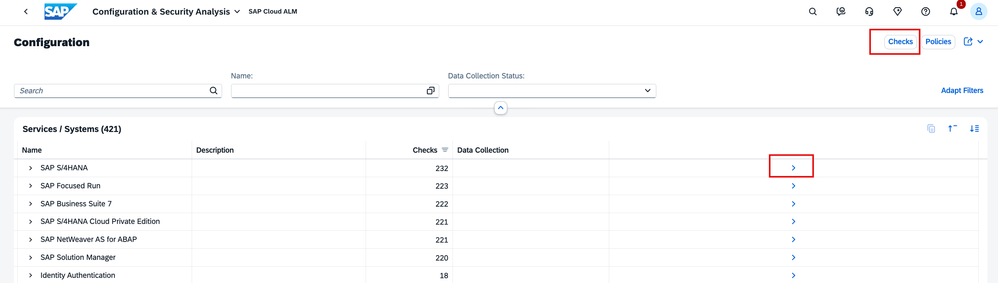
We’re happy to share a refreshed user interface for the SAP EarlyWatch Alert. This is the first milestone in our ongoing journey to make end users and organizations work simpler, faster, and more efficiently.
Refreshed user interface for SAP EarlyWatch Alert
The changes focus exclusively on visual improvements, there are no modifications to functionality, navigation, or available content. All existing apps, workflows, and entry points remain the same.
What Has Changed?
The UI refresh improves how SAP EarlyWatch Alert content is presented:
- Cleaner layouts and improved spacing
- Consistent typography and visual structure
- Clearer highlighting of important findings and alerts
- Improved readability of reports and tables
The goal is to make the rich SAP EarlyWatch Alert insights easier to scan, understand, and consume—especially during daily checks or focused analysis.
What Has Not Changed?
This refresh does not introduce:
- New applications or features
- Changes to navigation or workflows
- New KPIs, checks, or alert logic
Everything you know and use today remains in place.
Why a UI Refresh Matters?
SAP EarlyWatch Alert provides weekly insights to manage SAP system health. It contains technical information that helps teams, enabling predictive and preventive actions to mitigate risks. While the content itself remains unchanged, a clearer and more consistent visual design reduces cognitive effort and helps users:
- Find relevant information faster
- Read and interpret findings more efficiently
- Use SAP EarlyWatch Alert more comfortably
This is a low‑risk, high‑impact improvement that enhances usability without disrupting established processes.
One-Time Adjustments When Accessing the New UI
Migration of Existing Views on First Access
When users access the SAP EarlyWatch Alert Workspace in the new UI for the first time, any previously created and saved views are automatically migrated to the new user interface. This is a one-time process designed to ensure continuity of existing working setups without requiring manual action.
During this step, a short message informs users that the environment is being prepared and that saved views are being migrated in the background. Once the migration is completed successfully, users can reload the workspace and continue working with their existing views as usual.
No additional steps are required. The migration is handled automatically and does not affect the content or logic of the views.
Renaming of Applications
As part of the UI update, some SAP EarlyWatch Alert applications have been renamed to better reflect their purpose and terminology. The underlying functionality of these applications remains unchanged.
The following name changes apply:
- SAP HANA Table Records (previously 2 Billion Record Limit)
- Number Ranges (previously Critical Number Ranges)
- SAP HANA Indexserver: Memory Usage (previously Main Memory SAP HANA)
These changes are limited to naming and presentation only and do not impact the content or behavior of the applications.
Summary
By aligning SAP EarlyWatch Alert with the consistent look and feel of SAP for Me, we ensure a more coherent digital experience across SAP touchpoints — laying the groundwork for future innovations without disrupting existing usage today.
The refreshed SAP EarlyWatch Alert UI keeps the tool exactly as you know it—just clearer, more consistent, and easier to read. Sometimes, improving the familiar is already a meaningful step forward.
Direct Access Links
For users who want to access specific SAP EarlyWatch Alert applications directly, the following links are available in SAP for Me:
Access permissions and availability depend on the customer’s system landscape and authorizations.
Further Information
Other blogs you might be interested in